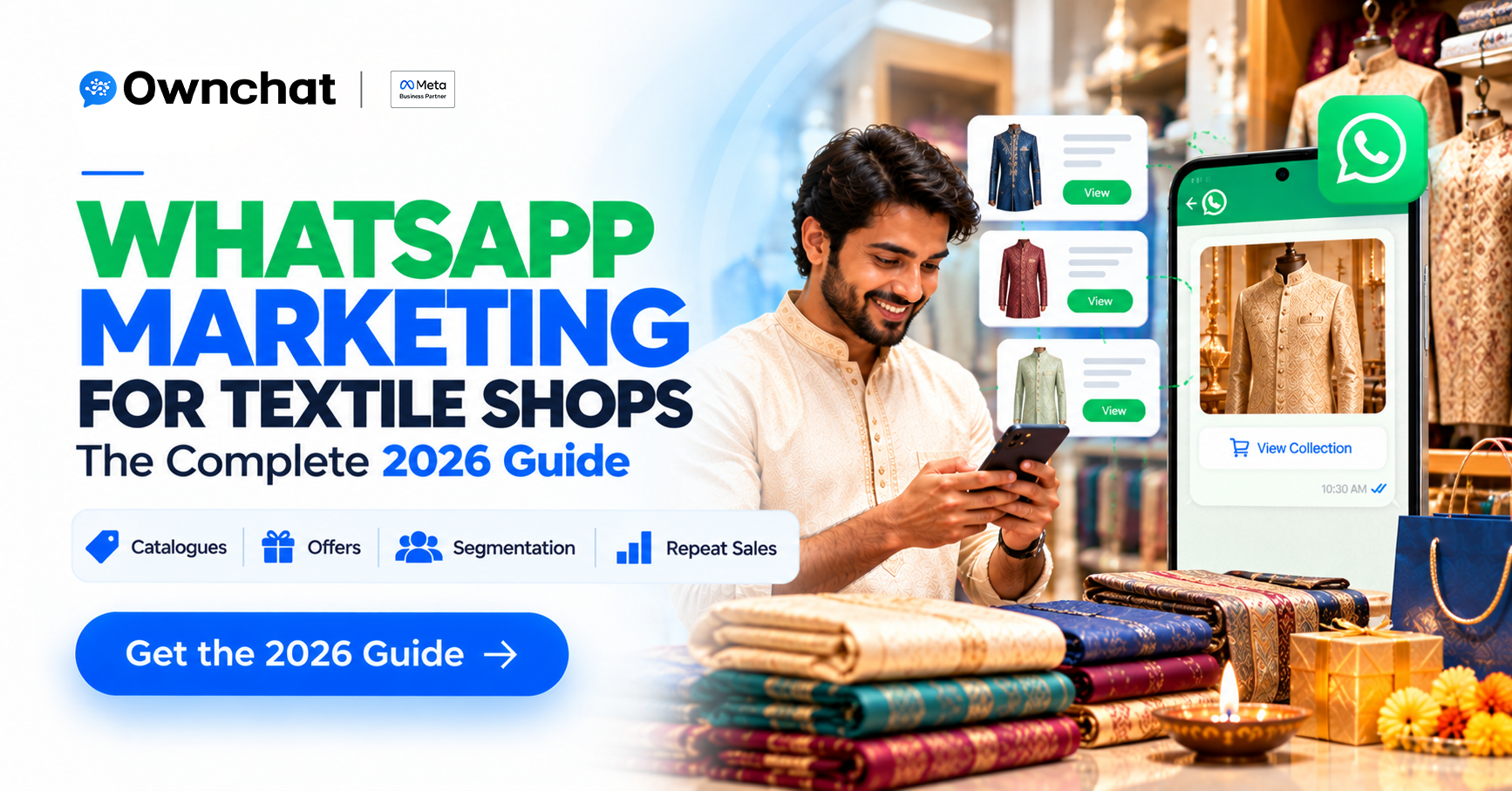
Quick answer: WhatsApp marketing for a textile shop means sending approved, personalised messages — new arrivals, festival offers, stitching reminders — to customers who have agreed to hear from you. Start with contacts from your billing system, collect opt-in, use the WhatsApp Business Platform (API) for scale, segment by purchase history, and track results against actual bills.
Key takeaways
- Your billing/POS phone numbers are your most valuable marketing asset.
- Use the free WhatsApp Business app for one-to-one chat; use the API for segmented campaigns at scale.
- In India, WhatsApp charges per delivered template message by category; service replies are free.
- Quality beats volume: poorly targeted messages lower your quality rating and limit reach.
In this guide
- Why does WhatsApp work so well for textile shops?
- What do you need before you start?
- How do you collect WhatsApp opt-ins in a store?
- What messages should a textile shop send?
- How much does WhatsApp marketing cost in India?
- How do you avoid getting blocked?
- What should you measure?
- FAQs
Why does WhatsApp work so well for textile shops?
Clothing is visual and personal. Customers want to see the fabric, ask about colour and price, and check whether their size is in stock — which fits a chat far better than an SMS. A Meta and Retailers Association of India study (February 2026) reported that 77% of surveyed Indian shoppers discover products through social and messaging platforms, which shows how much of the purchase journey now starts on a phone.
For textile retailers there is a second advantage: you already have customers' phone numbers from billing. That turns WhatsApp into a retention channel, not only an acquisition channel.
What do you need before you start WhatsApp marketing?
| Requirement | Why it matters |
| A dedicated business number | Keeps personal & business chats separate required for the API |
| Meta Business portfolio (verified) | Unlocks higher messaging limits & trusted profile |
| WhatsApp Business Platform access via a provider | Needed to send segmented campaigns to many customers |
| Clean contact list with opt-in | Protects your quality rating & follows WhatsApp policy |
| Approved message templates | Business-initiated messages outside a 24-hour chat window must use templates |
| A way to link chats to bills | Lets you see which campaigns made money |
Not sure which WhatsApp product you need? Compare them in WhatsApp Business app vs API.
How do you collect WhatsApp opt-ins in a textile store?
- At billing: the cashier asks, "Can we send you new-arrival updates on WhatsApp?" and ticks a box in the POS.
- On the receipt: print a QR code that opens a WhatsApp chat with a pre-filled message such as "Hi, I'd like updates".
- At the trial room and counter: a table-top QR standee: "Get the Deepavali collection first on WhatsApp".
- From ads and Instagram: people who message you from a click-to-WhatsApp ad or an Instagram comment-to-DM flow have started the conversation; ask them to confirm updates.
- Always offer a way out: include "Reply STOP to unsubscribe" and honour it.
What messages should a textile shop send on WhatsApp?
| Message type | WhatsApp category | Example |
| New arrivals / festival collection | Marketing | "The Kanchipuram silk collection for Deepavali is in. Reply SILK to see 10 picks." |
| Offer / early access | Marketing | "Early access for our regular customers: 20 Oct – 25 Oct." |
| Stitching ready / alteration done | Utility | "Your blouse stitching is ready for pickup." |
| Bill / order confirmation | Utility | "Thank you for shopping. Your bill: ₹4,850." |
| Answering customer questions | Service | Replies within 24 hours of the customer's message |
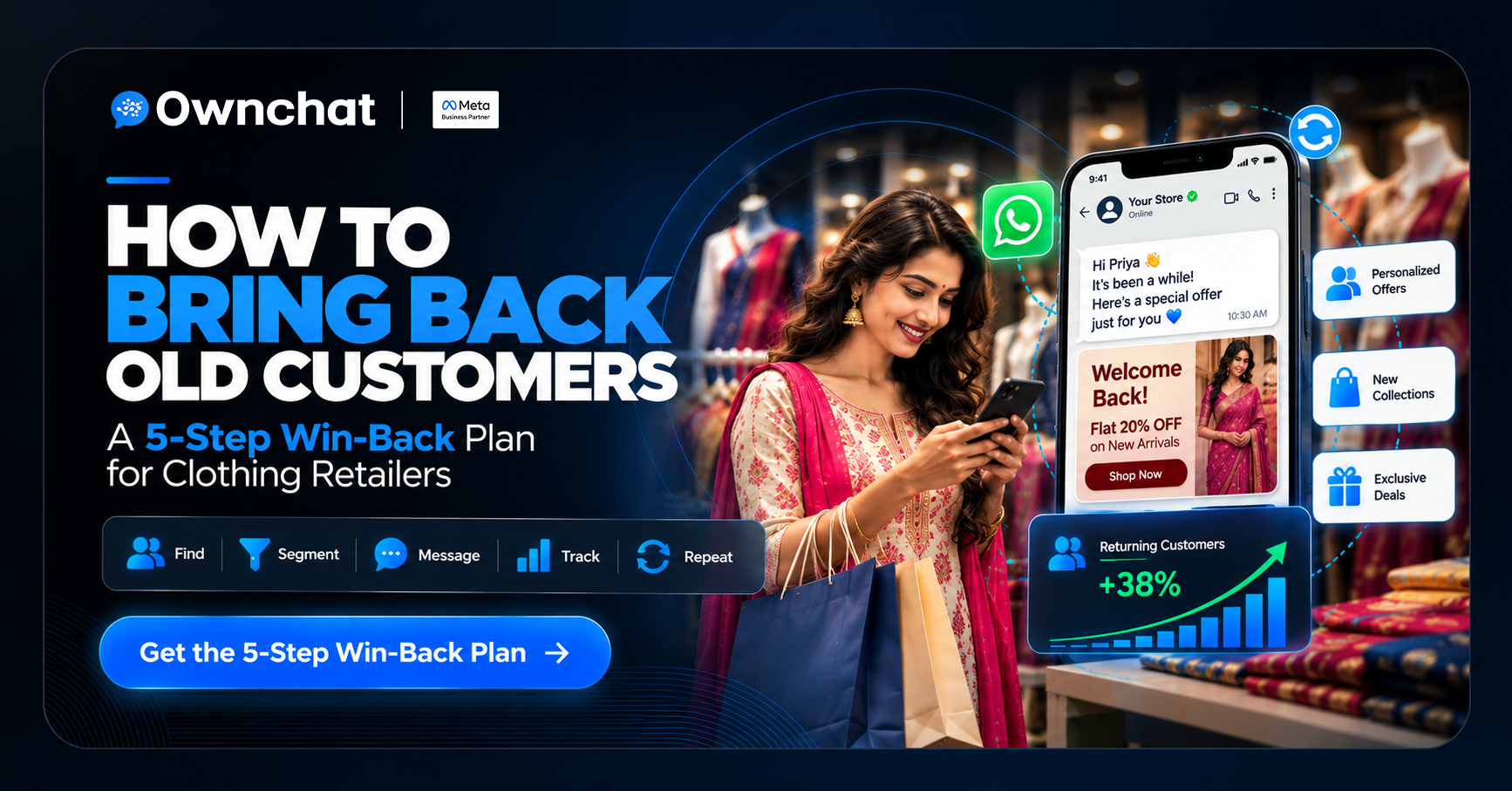
| Win-back | Marketing | "It's been a while — here's a ₹300 voucher valid till 2 Nov. |
Tips that raise response rates
- Use the customer's name and a relevant category ("sarees", "kids wear").
- Send one strong image, not ten.
- Give one clear action: reply with a keyword, tap a button, or visit the store.
- Write in the customer's language where possible.
How much does WhatsApp marketing cost in India?
Since 1 July 2025, WhatsApp charges per delivered template message, with the rate depending on the category (marketing, utility, authentication) and the recipient's country. Key rules as published by Meta:
- Service conversations (you replying to a customer) have been free since 1 November 2024.
- Utility templates sent inside an open 24-hour customer-service window are free.
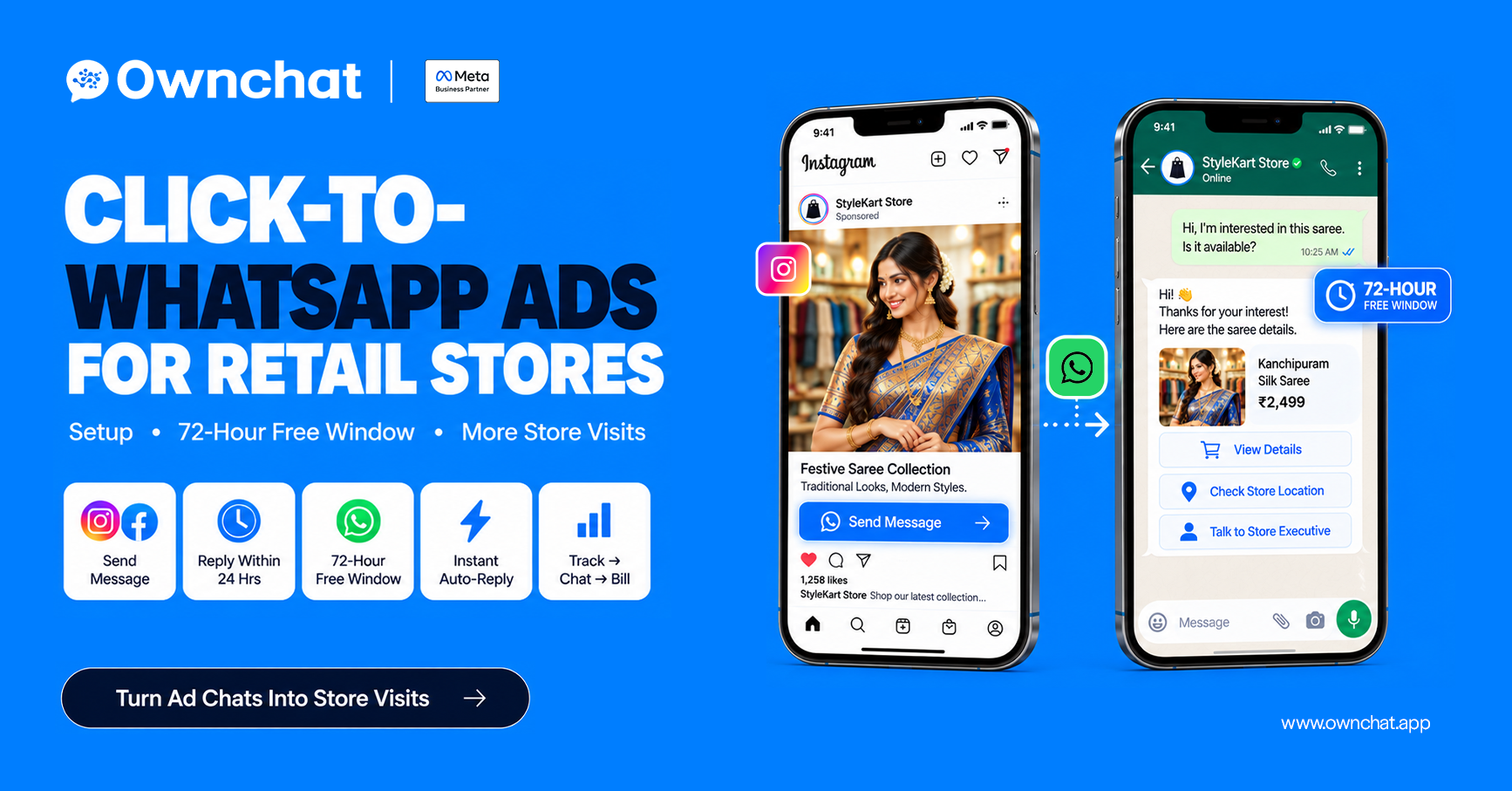
- Click-to-WhatsApp ads and Facebook Page CTA entry points open a 72-hour window in which messages are free.
- Businesses paying in INR get local-currency billing. Meta has said local billing for India is rolling out through 2026 — check your WhatsApp Manager for your account's current billing currency and any migration date that applies to you.
Always check the current rate card on Meta's pricing page before budgeting — rates change.
How do you avoid getting your number restricted?
WhatsApp watches how people react to your messages. Many blocks and reports lower your quality rating, and that can shrink your messaging limit (the number of unique customers you can reach in 24 hours). These limits apply at the business-portfolio level, shared across all numbers in your portfolio.
- Message only people who opted in.
- Segment — don't send the same offer to everyone.
- Space out marketing messages.
- Watch for error 131049, which means Meta limited delivery of marketing messages to a user who has received many recently.
What should a textile shop measure?
| Metric | What it tells you |
| Delivered | How many customers you actually reached |
| Read / replied | Whether the message was interesting |
| Bills from messaged customers | Whether it drove store visits |
| Revenue per ₹1 spent | Whether the campaign paid off |
| Blocks / opt-outs | Whether you're over-messaging |
The step-by-step method is in how to measure WhatsApp marketing ROI with POS data.
How Ownchat helps
Ownchat is an Official Meta Business Partner used by 75+ textile brands across 150+ outlets. It imports your billing data, builds segments, sends approved templates on the WhatsApp Business Platform, and shows revenue by campaign. A menswear brand, for example, recorded ₹20.76 lakh in attributed sales from ₹12,742 of message spend (1,631 bills).
Results are historical, anonymised and attributed by Ownchat's message-to-bill matching; they are not a guarantee.
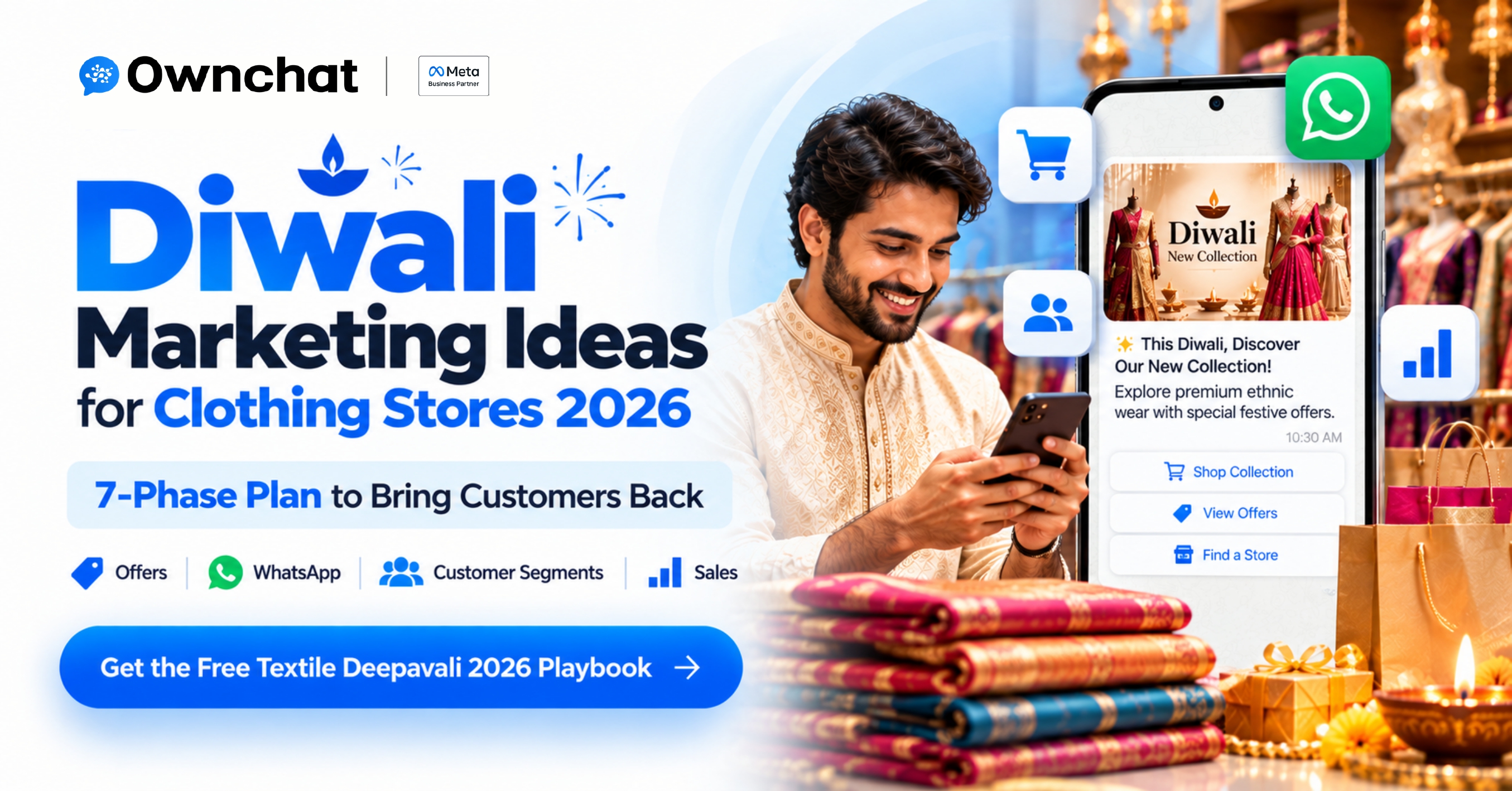
Next step: Download the free Textile Deepavali 2026 Playbook or plan your festive campaigns with the Diwali marketing ideas for clothing stores guide.
Frequently asked questions
1.Is WhatsApp marketing legal in India? Yes, when you message people who have opted in and follow WhatsApp's Business and Commerce policies. Unsolicited bulk messaging breaks WhatsApp's rules and can get your number restricted.
2.Can I use the normal WhatsApp Business app for marketing? Yes for small, one-to-one use. For segmented campaigns to thousands of customers, reporting and automation, you need the WhatsApp Business Platform (API) through a provider.
3.How much does one WhatsApp marketing message cost in India? Meta charges per delivered marketing template at a published India rate that changes periodically. Check Meta's official pricing page for the current figure.
4.How often should a clothing store send WhatsApp messages? About once a week in normal months and two to three times in the final fortnight before a big festival, only to opted-in customers.
5.Can I send a catalogue on WhatsApp? Yes. You can share product images, a WhatsApp catalogue or a link to your collection inside approved templates or during a live chat.
6.Do customers need to save my number? No. With the WhatsApp Business Platform, opted-in customers receive template messages without saving your number.
Sources (checked 23 September 2026; pricing/migration wording re-checked 1 October 2026)
- Meta for Developers — Pricing on the WhatsApp Business Platform
- 8x8 — WhatsApp messaging limits changing 7 October 2025
- Meta & Retailers Association of India — AI fuels India's omnichannel shopping surge (Feb 2026)
.png)