.png)
Quick answer: The WhatsApp Business app is a free phone app for one-to-one chats and small broadcasts. The WhatsApp Business Platform (API) is for sending approved messages to thousands of opted-in customers, automating replies, connecting to your POS/CRM and measuring results. Small shops can start on the app; stores running segmented campaigns need the API.
Key takeaways
- The app is free and simple but built for manual, small-scale use.
- The API is paid per delivered template message and needs a provider, but scales and integrates.
- Coexistence lets many businesses use the app and API on the same number — check eligibility with your provider.
- Choose based on customer count, campaign frequency and whether you need to track sales.
In this guide
- What is the WhatsApp Business app?
- What is the WhatsApp Business API?
- What are the differences side by side?
- What is WhatsApp coexistence?
- Which one should you choose?
- FAQs
What is the WhatsApp Business app?
A free app (Android and iPhone) that gives a business a profile, catalogue, quick replies, labels, greeting and away messages. You chat manually from a phone, and a few linked devices can be added.
Good for: a single store owner answering customers, sharing a catalogue, and sending occasional broadcasts to a small list.
Limits that matter for retailers: broadcast lists are small and only reach people who saved your number, there is no proper segmentation by purchase history, no reliable campaign reporting, and everything depends on one phone.
What is the WhatsApp Business API (Business Platform)?
Meta's official platform for medium and large businesses. You don't use it directly on a phone — you access it through a provider (a Meta Business Partner or Tech Provider) that gives you a dashboard, team inbox and integrations.
Good for: sending approved template messages to many opted-in customers, automating replies and flows, multiple staff answering from one number, connecting to billing/CRM, and tracking results.
How it's priced: per delivered template message by category (marketing, utility, authentication) since 1 July 2025. Customer-service replies are free, and utility templates are free inside an open 24-hour service window. Provider fees are separate. See Meta's pricing page.
What is the difference between WhatsApp Business app and API?
| Feature | WhatsApp Business App | WhatsApp Business Platform (API) |
| Cost | Free | Per delivered template + provider fee |
| Setup | Download and verify number | Meta Business portfolio + provider onboarding |
| Who can reply | Owner + a few linked devices | Unlimited team members via shared inbox |
| Messaging many customers | Small broadcasts to people who saved your number | Templates to opted-in customers, scaled by messaging limits |
| Segmentation | Manual labels | Segments from POS/CRM data (recency, spend, category) |
| Automation | Greeting, away, quick replies | Chatbots, keyword flows, triggers, APIs |
| Integrations | Minimal | POS, CRM, e-commerce, ads, Instagram |
| Reporting | Basic | Delivery, read, reply, and — with the right tool — revenue |
| Green tick / verification | Possible via Meta Verified | Possible via Meta Verified / official business account |
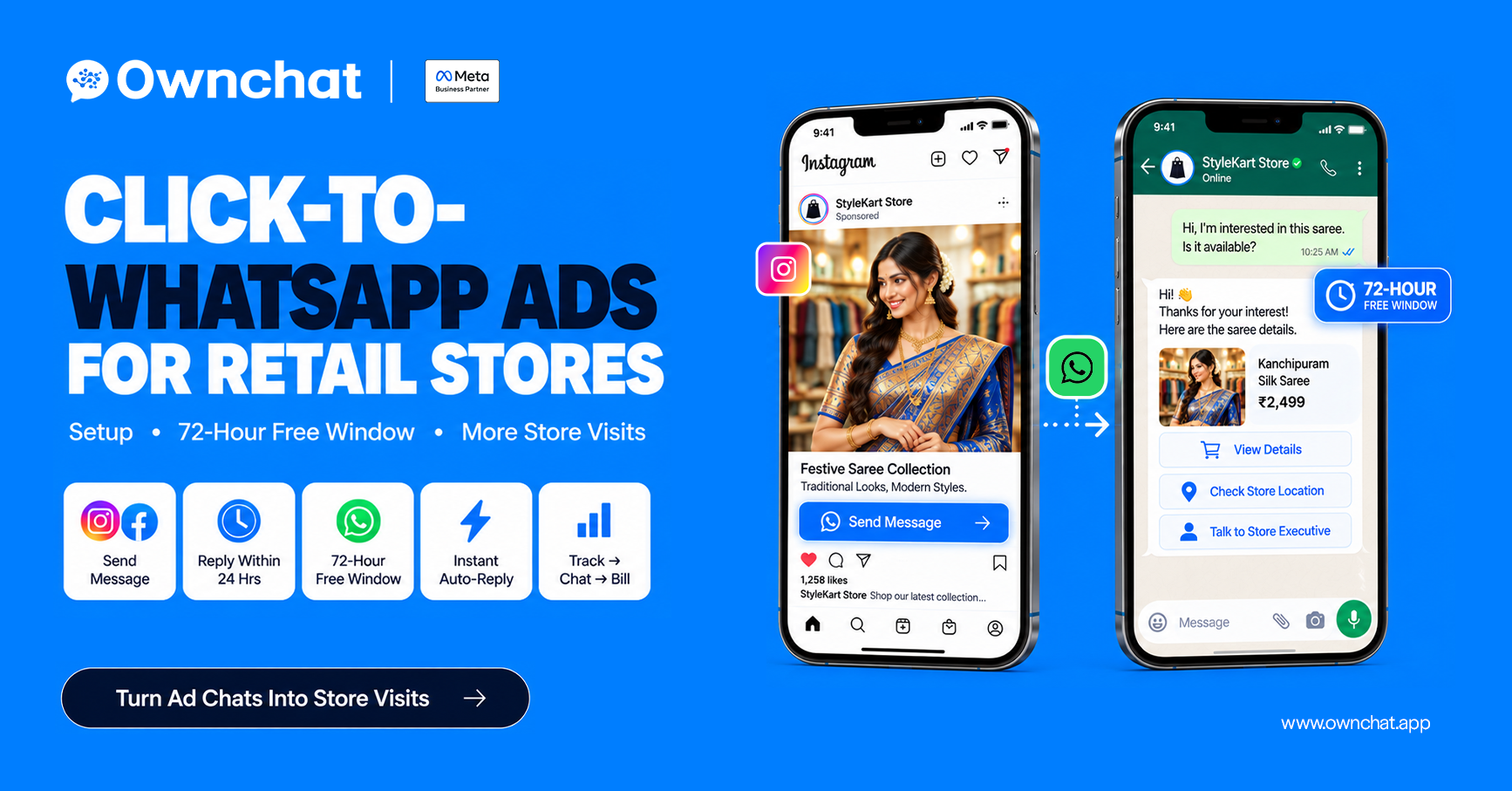
| Ads | Click-to-WhatsApp ads supported | Click-to-WhatsApp ads with automated follow-up |
What is WhatsApp coexistence?
Coexistence lets a business keep using the WhatsApp Business app on its phone while the same number is also connected to the API through a provider. The owner can still chat from the phone while campaigns and automation run on the platform, and chat history can sync — Meta's documentation describes syncing up to 180 days of history, with the business's approval.
Eligibility, supported features and regional availability can change, so confirm with your provider before migrating. If coexistence isn't available for your number, the usual option is a new dedicated number for the API. See Meta's coexistence documentation.
Which should you choose: app or API?
| Your situation | Recommendation |
| Under ~200 customers, owner replies personally | App |
| 1,000+ customers in billing data, want festival campaigns | API |
| Multiple staff or branches answering chats | API |
| Running click-to-WhatsApp or Instagram ads at volume | API |
| Need to know which campaign produced bills | API + POS integration |
| Want to keep using the phone app too | API with coexistence (if eligible) |
Once on the API, read how to send bulk WhatsApp messages without getting blocked before your first large campaign.
How Ownchat helps
Ownchat is an Official Meta Business Partner that connects your number to the WhatsApp Business Platform, links it with your billing data, and adds a team inbox, automation and revenue reporting. Our team can check whether your existing number is eligible for coexistence during onboarding.
See it applied to your store: WhatsApp marketing for textile shops · Click-to-WhatsApp ads guide · Measure WhatsApp marketing ROI with POS data · Book a free 15-minute audit
Frequently asked questions
1.Is the WhatsApp Business API free?
No. Meta charges per delivered template message by category, and providers charge a platform fee. Replies to customers within the service window are free.
2.Can a small business use the WhatsApp API?
Yes. There's no minimum size; you need a Meta Business portfolio, a number and a provider. It makes sense once you message hundreds or thousands of customers.
3.Can I use the same number on the app and the API?
Often yes, through coexistence, if your number and region are eligible. Confirm with your provider.
4.Do I need a green tick to use the API?
No. Verification improves trust but isn't required to send messages.
5.What happens to my chats if I move to the API?
With coexistence, the app keeps working and history can sync. Without it, the number moves to the API and you manage chats in the provider's inbox — back up chats first.
6.Is it safe to use unofficial WhatsApp bulk-sender tools?
No. Unofficial tools break WhatsApp's terms and can get your number banned. Use the official app or the Business Platform.
Sources (checked 5 October 2026)
- Meta for Developers — Pricing on the WhatsApp Business Platform
- Meta for Developers — Onboarding WhatsApp Business app users (coexistence)